Hotel Management Software in the Philippines: A Buyer's Guide for 3–20 Room Properties
Choosing hotel management software in the Philippines for a 3–20 room guesthouse or small hotel? What to look for, questions to ask, pricing traps, and where GoOverbooked fits.
If you search for hotel management software, most of what you'll find was built for hotels with a front office team, a revenue manager and an IT person. Feature lists run to fifty items. Pricing is "contact sales." Demos are scheduled for business hours in another time zone.
A 9-room guesthouse in Bantayan, a pension house in Cebu City or a beach resort in Siquijor has different needs. Bookings come in on Messenger. Payments come by GCash. The owner is also the receptionist, and the "front desk" is often a phone.
This guide is for that kind of property. It covers what to look for, what to skip, what to ask before you sign up, and where GoOverbooked fits. If "PMS" is a new term for you, start with What Is a PMS?.
What makes small Philippine properties different
Software built abroad for larger hotels often struggles with how small properties here actually work:
| Reality at a small PH property | What the software needs to handle |
|---|---|
| Many bookings come from Facebook Messenger, phone and walk-ins, not just OTAs | Fast manual booking entry, ideally from a phone |
| Guests pay by GCash, bank transfer and cash, often as deposit + balance | Partial payments and balances per booking, any payment method |
| The owner runs the business from a phone | Usable on a phone screen, not just a desktop |
| Family members and 1–3 staff share the work | Staff accounts, so it doesn't live on one person's phone |
| Strong seasonality: Holy Week, Christmas, summer vs rainy-season lull | Pricing you can carry through lean months |
| Booking.com and Agoda dominate, with Airbnb for some properties | A channel manager that connects to those, when you need it |
| Owners aren't IT people | Setup in minutes, no training course |
The core features to insist on
For a 3–20 room property, these are the non-negotiables:
- A room-by-room calendar that blocks a room as soon as it's booked
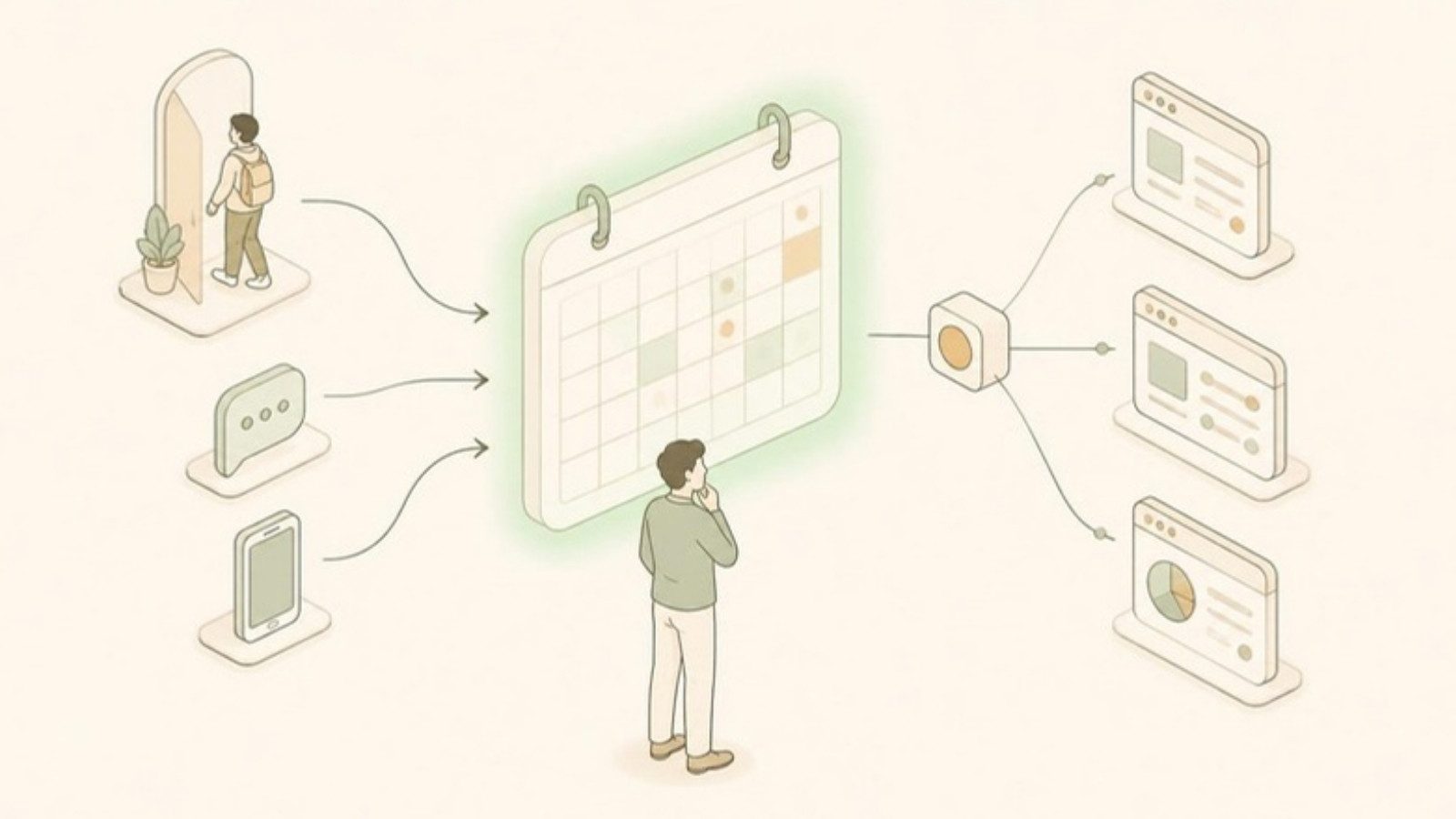
- Reservations from every source (OTA, Messenger, walk-in, phone) in one place
- Payment tracking: deposits, partial payments and outstanding balances
- Receipts or invoices you can give guests
- Guest records and booking history
- Basic reports: occupancy, revenue, unpaid balances
- Staff accounts
Nice to have, depending on your situation:
- Channel manager, if you're on two or more OTAs (see Channel Manager vs PMS)
- Booking website / booking engine, if you want direct bookings without commission
Usually not needed at your size: night audit, restaurant POS integration, AI pricing, keycard integration, multi-property chain management.
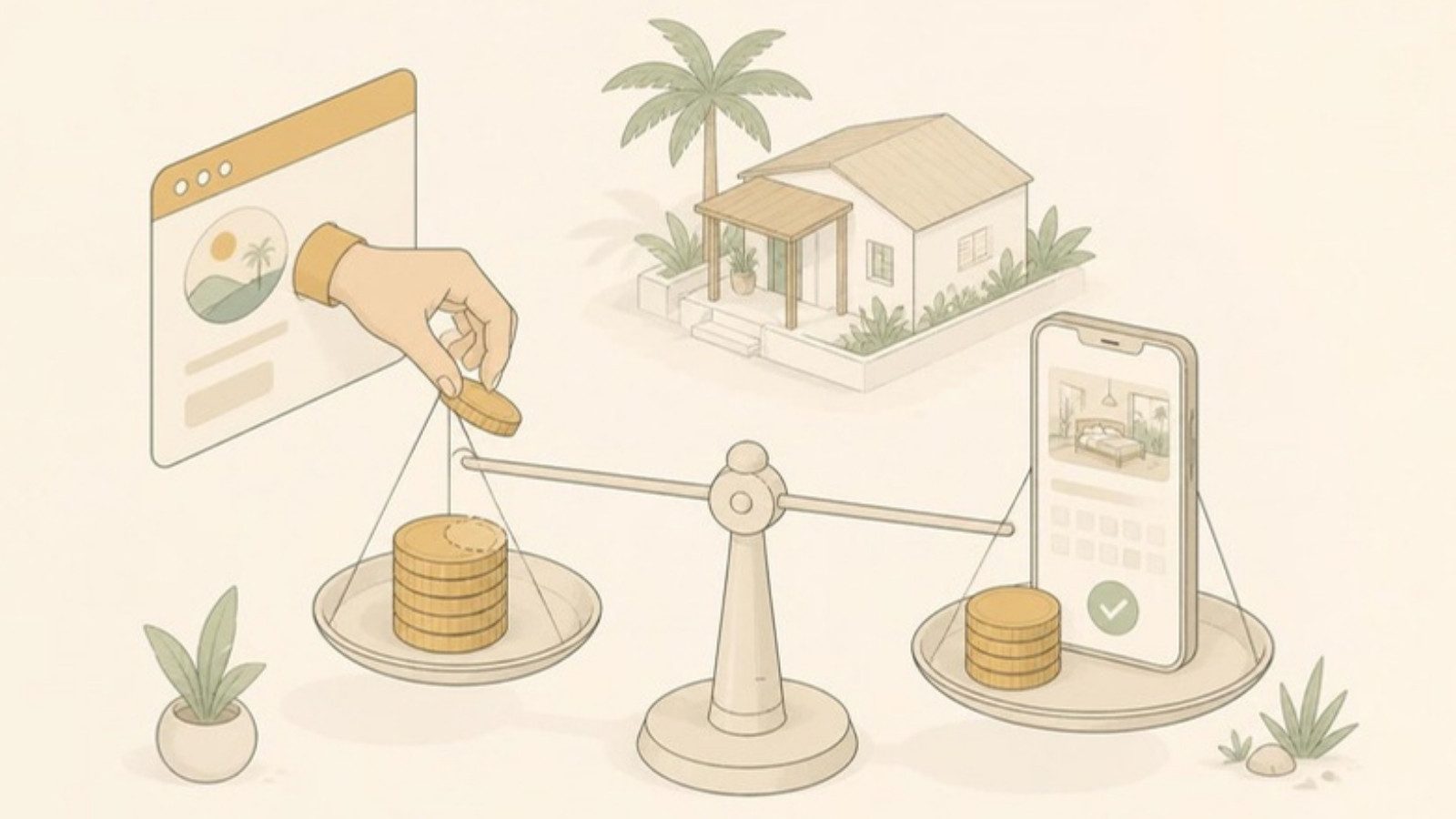
Pricing: what to watch for
Hotel software pricing varies a lot, and some of it doesn't suit small Philippine properties. Watch for:
- Billing in US dollars. Your monthly cost moves with the exchange rate, and some local cards or banks add foreign transaction fees.
- Per-room pricing. Fine at 5 rooms, but it climbs quickly if you grow.
- Per-booking or commission-style fees. Cheap in the lean season, expensive in peak, which is exactly when your margins should be best.
- Setup or onboarding fees charged before you've seen if the system fits.
- Long contracts. Annual commitments are risky for a seasonal business. Know what happens if you cancel.
- "Free trial" that becomes paid automatically, especially if it asks for a card on day one.
- The real price of the package you need. A low headline price can exclude the channel manager or booking engine.
A good gut check: would you be comfortable paying this in your slowest month? If the subscription is more than a good night's revenue in September, it'll start to feel like a burden.
If the price is the main thing stopping you, read Free Hotel Management Software: What "Free" Really Means before signing up for anything.
10 questions to ask before you sign up
- Can I try it with sample data first, without a sales call?
- How long does setup take for a property my size?
- Does it work well on a phone?
- Can I record partial payments by GCash, bank and cash?
- Can I add walk-in and Messenger bookings quickly?
- Do my staff get their own logins? Can I see who did what?
- Which OTAs does the channel manager connect to, and is it a direct connection or just iCal calendar links?
- Is the price in pesos or dollars, and what's included at that price?
- Is there a contract, and what happens to my data if I leave?
- Who do I talk to when something goes wrong, and do they understand how properties here work?
The last one matters more than it sounds. A support team that knows what a "pa-reserve" message means, or why Holy Week is different, will solve your problem faster.
Types of options you'll come across
| Type | Typical fit | Watch-outs |
|---|---|---|
| International all-in-one hotel platforms | Mid-size and larger hotels, boutique hotels with staff | Often USD pricing; feature-heavy; can be more than a small property needs |
| OTA-provided tools (extranets, free "lite" tools) | Managing that one OTA | Only see their own bookings; don't replace a master calendar |
| Spreadsheets / notebooks | 1–4 rooms, one booking channel | Break when you add staff, OTAs or busy seasons |
| Small-property PMS built for the region | 3–20 rooms, owner-operated | Check the channel manager connections and the support |
If you're specifically comparing against Cloudbeds, we wrote a separate piece: Looking for a Cloudbeds Alternative?
Where GoOverbooked fits
GoOverbooked is a PMS built for small, owner-operated guesthouses, pension houses, inns and small hotels in the Philippines.
Why it exists: Its founder runs N&F Guesthouse, a 9-room property on Bantayan Island. During Holy Week 2023, two families showed up for the same room, both with confirmations. At the time he was managing Booking.com, Agoda, a walk-in logbook and Messenger by himself, and every software option he found was built for much larger hotels and priced like it. He built GoOverbooked, and the guesthouse still runs on it today. (The full story is here.)
What's free, permanently (no trial, no credit card):
- Unlimited reservations
- Booking calendar and room management
- Guest management and reservation history
- Payment tracking
- Receipts and invoices
- Dashboard and reports
- Staff accounts
- Email notifications
Optional paid add-ons (in pesos):
- Booking Website, ₱700/month: your own booking site where guests book and pay online, with no commission
- Channel Manager, ₱2,000/month: connects Booking.com, Agoda, Airbnb and Expedia so a booking on one blocks the room everywhere. 14-day free trial.
- Both, ₱2,500/month
Full details are on the pricing page.
Setup: most owners are logging reservations within about 15 minutes. You add your rooms, set rates and start entering bookings. If you'd like help connecting your OTAs, there's an optional free setup call with the founder.
Who it's not for: if you run 80 rooms with a restaurant, banquet sales and a revenue manager, you'll probably want a larger hotel platform. GoOverbooked is deliberately kept simple for small properties.
How to decide
- Write down your actual setup: number of rooms, booking sources, who takes bookings and how guests pay.
- Strike out any software that can't handle the basics on that list.
- Try the remaining options with sample data before entering real bookings.
- Pick the one your staff can use without you standing over them.
If you'd like to try GoOverbooked as one of those options, the demo has sample data and needs no signup. When you're ready, you can create a free account and add your own rooms.
Free to start
Run your hotel without the headaches.
Try the live demo in 30 seconds. No signup needed.