What Is a PMS? A Plain-Language Guide for Small Hotel and Guesthouse Owners
What a hotel PMS (property management system) actually does, what small guesthouses need from one, which enterprise features to skip, and when a notebook is still enough.
If you list on Booking.com or Agoda, or spend any time in hotel-owner Facebook groups, you've probably seen "PMS" come up. "What PMS do you use?" "Is your PMS connected?"
For a lot of small guesthouse owners, the honest reaction is: what is that, and do I need one?
This guide explains it without the jargon: what a PMS does, what a small property actually needs from one, and when you don't need one at all.
What a PMS is
PMS stands for property management system. It's software that runs the day-to-day operations of an accommodation business, mainly your reservations, rooms, guests and payments.
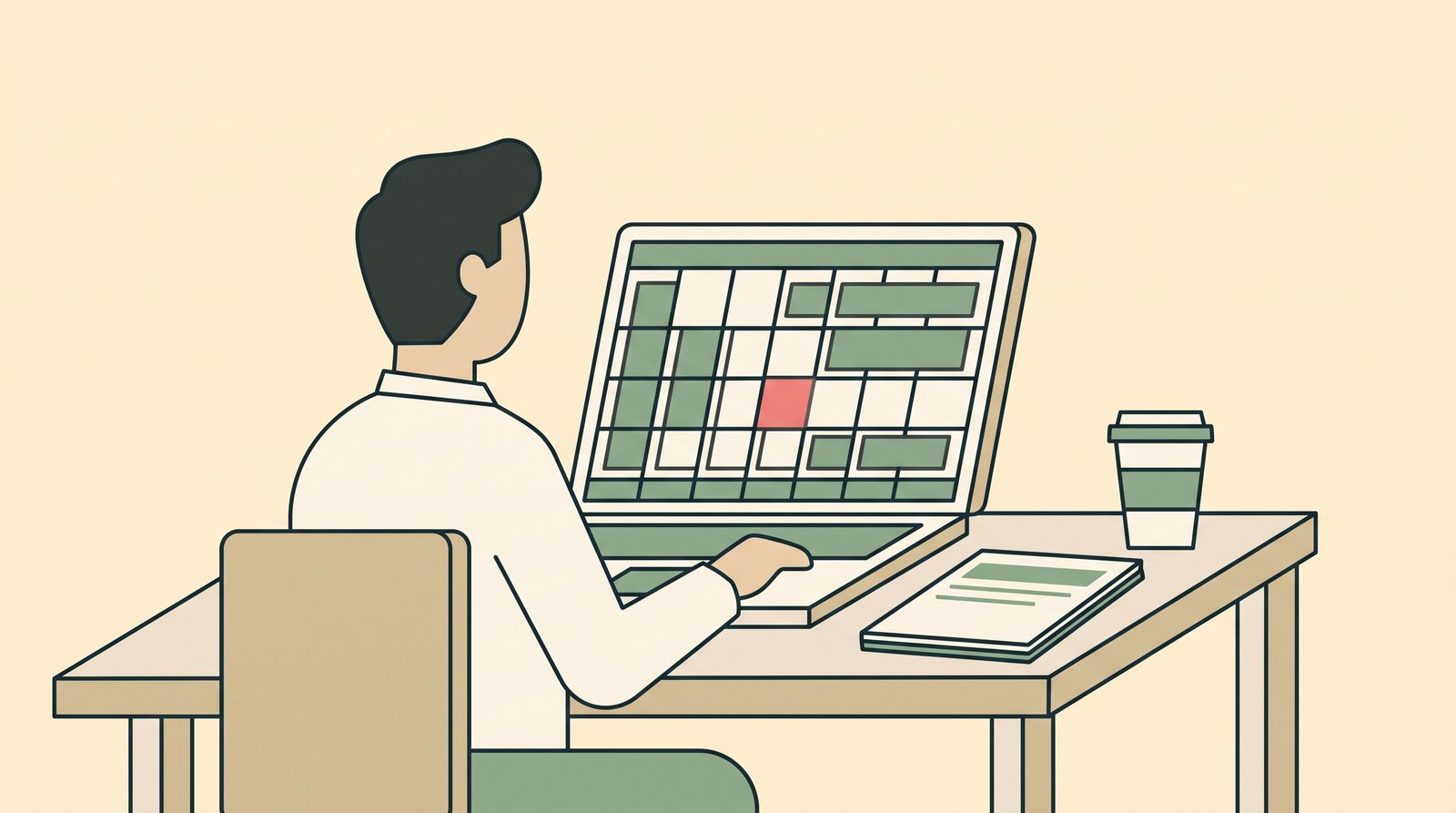
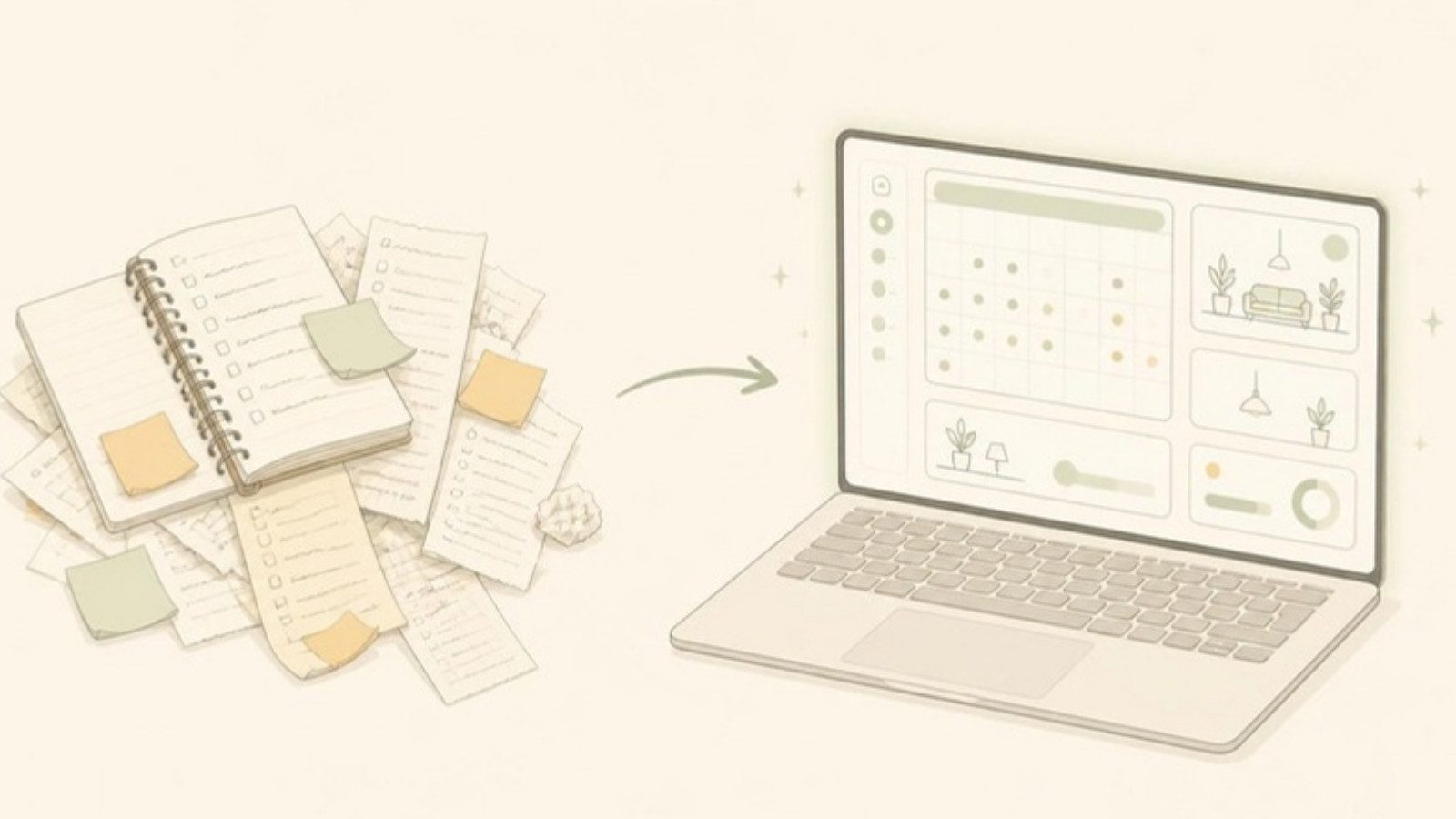
The simplest way to think about it: a PMS replaces the reservation notebook, the room calendar on the wall and the payment spreadsheet with one system.
If you currently have:
- a notebook or spreadsheet of bookings
- a calendar showing which rooms are taken
- a list of who has paid and who still owes
- a stack of handwritten receipts
...then you already have a PMS. It's just made of paper and memory. Software does the same job, with fewer ways for it to go wrong.
What a PMS does for a small property
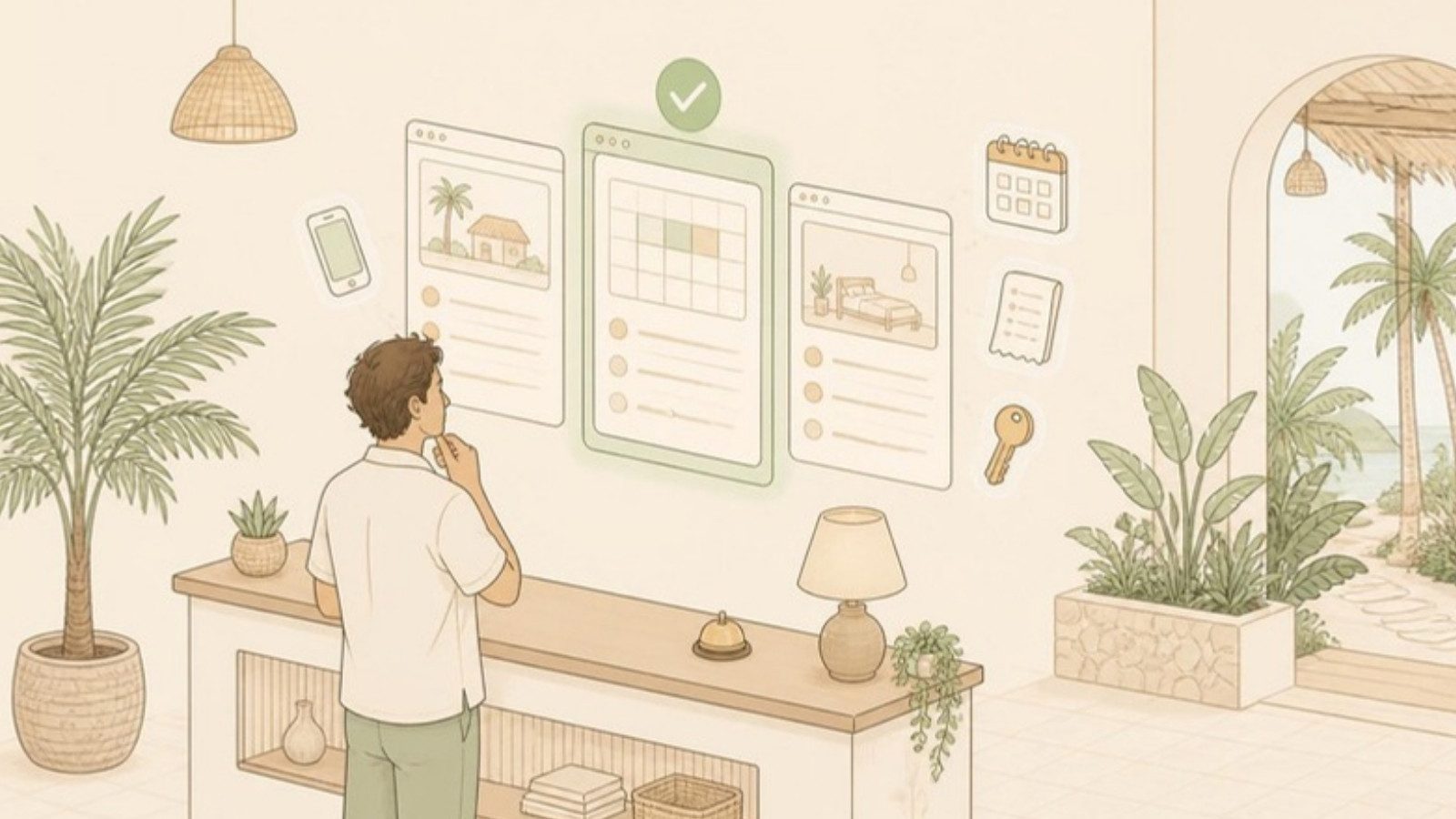
Big hotel PMS software can do hundreds of things. For a 3–20 room guesthouse, these are the parts that matter:
1. A room calendar. Every room, every date, at a glance. When a room is booked, it's blocked for those dates so you can't accidentally give it to someone else.
2. A reservation record. Guest name, contact, room, dates, number of guests, source (Booking.com, Messenger, walk-in) and notes, all in one place, not split between Messenger, email and a notebook.
3. Payment tracking. The booking total, what's been paid (deposit by GCash, balance in cash) and what's still owed.
4. Receipts and invoices. Print or send a proper receipt at check-out instead of writing one by hand.
5. Guest history. See that a guest has stayed with you three times before. That's useful for repeat-guest discounts and for knowing who you're dealing with.
6. Basic reports. Occupancy, revenue and outstanding balances for the month, without adding things up by hand.
7. Staff access. Your staff or family can check and add bookings with their own login, so the business doesn't depend on one person's phone.
What a PMS is not
People mix these up all the time:
| Tool | What it does | Is it a PMS? |
|---|---|---|
| Channel manager | Syncs your availability across Booking.com, Agoda, Airbnb, etc. | No. It's a separate tool, though some PMSs include or connect to one. |
| Booking engine / booking website | Lets guests book directly on your own site | No. It's often an add-on to a PMS. |
| OTA extranet (Booking.com, Agoda YCS) | Manages your listing on that one platform | No. It only knows about its own bookings. |
| Accounting software | Books, taxes, financial statements | No. A PMS tracks guest payments, not your full accounts. |
The most common confusion is PMS vs channel manager. A PMS is where your bookings live. A channel manager keeps the OTAs in sync with it. You can have one without the other. We go through which one to get first in Channel Manager vs PMS.
Features you probably don't need
A lot of PMS software is designed for 100-room hotels with a front office team. If you're comparing options, these are features that sound impressive but rarely matter at a small property:
| Feature | What it's for | Do you need it at 3–20 rooms? |
|---|---|---|
| Night audit | Daily accounting close at large hotels | Usually not |
| Restaurant/bar POS integration | Charging F&B to a room folio | Only if you run a real restaurant |
| Revenue management / dynamic pricing AI | Automatic rate changes based on demand | Rarely. You can adjust rates yourself for peak season. |
| Keycard system integration | Programming electronic door keys | Only if you have electronic locks |
| Group & corporate account management | Company billing, travel agent contracts | Rarely |
| Multi-property chains | Managing many hotels in one account | No |
You pay for these features through a higher price, a longer setup and a more complicated screen, whether you use them or not.
What you do want in a PMS for a small property
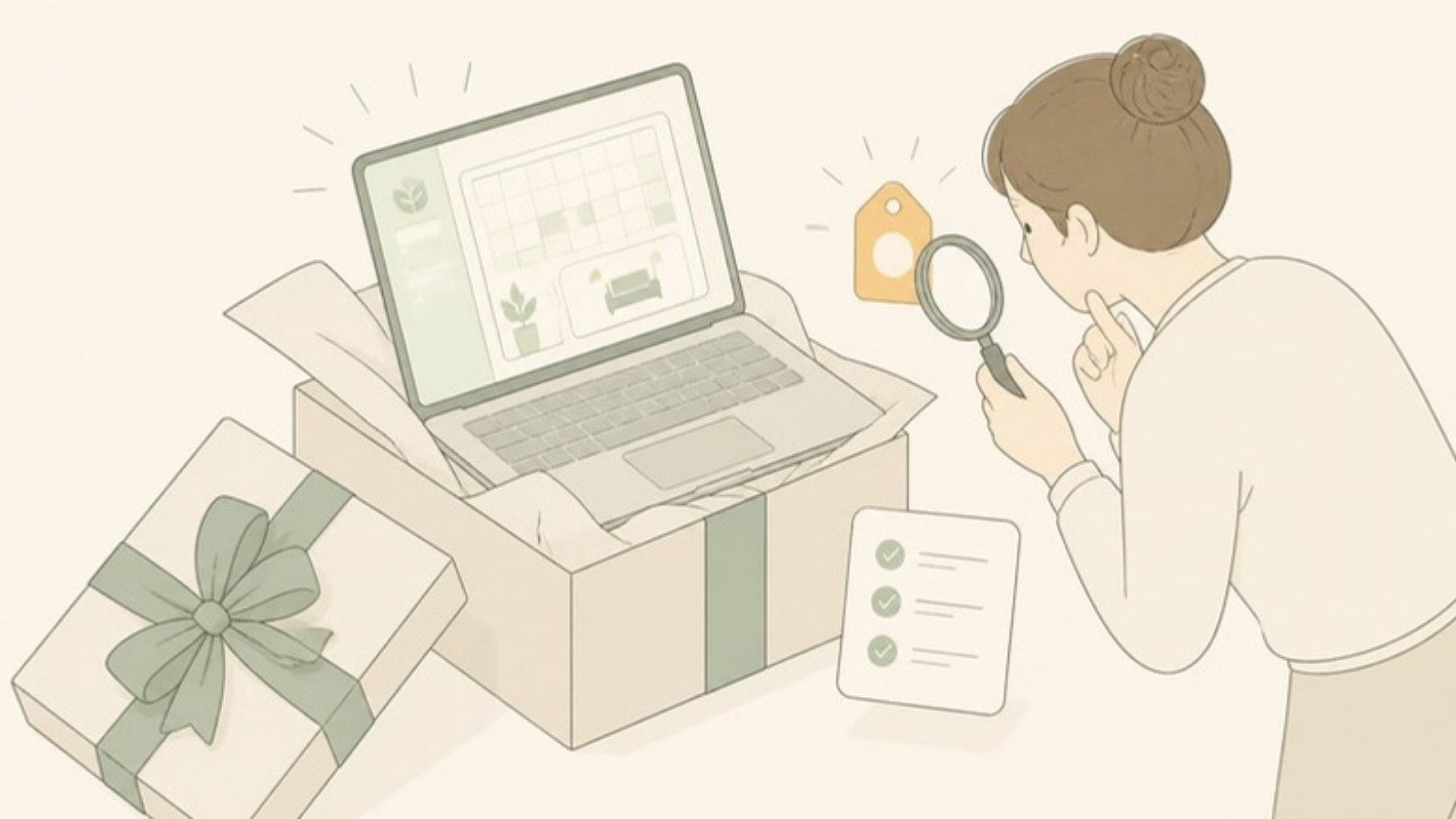
When you look at options, check for:
- Easy on a phone. Most small owners run the business from their phone. If the PMS only works well on a desktop, you won't keep it updated.
- Fast setup. Adding your rooms and starting to log bookings should take minutes, not a week of training.
- Payment tracking that fits how you get paid. Deposits, partial payments, GCash, bank transfer and cash, not just credit cards.
- Staff accounts. So you're not the only person who can see the calendar.
- Price that makes sense for your size. A system that costs more each month than a night in your best room is hard to justify in the lean season.
- A path to OTA sync later. Even if you don't need a channel manager today, it helps if your PMS can connect to one when you do.
For a full checklist aimed at Philippine properties, see Hotel Management Software in the Philippines: A Buyer's Guide.
Do you actually need a PMS?
Honestly, not always.
You can probably skip one if:
- you have 1–3 rooms
- one person takes every booking
- you're on one OTA or none
- you've never had a double booking or a missed payment
A notebook or a simple spreadsheet is fine at that size.
You'll likely benefit from one if:
- more than one person takes bookings
- you take bookings from several sources (walk-ins, Messenger, one or more OTAs)
- you've lost track of a deposit or balance
- you've had a double booking or a close call
- you can't take a day off without everything stopping
The cost question has also changed. PMS software used to mean a monthly bill that was hard to justify for a small property. Today there are options built for small properties, and some are free. We look at what "free" really means, including the catches, in Free Hotel Management Software.
An example: what a PMS looks like at a small property
GoOverbooked is a PMS built for small owner-operated properties in the Philippines. It came out of a 9-room guesthouse in Bantayan that was juggling Booking.com, Agoda, walk-ins and Messenger with a logbook. The core app, with the room calendar, reservations, guest records, payment tracking, receipts, reports and staff accounts, is free. A booking website and a channel manager are optional paid add-ons for when you need them.
If you want to see what a PMS looks like in practice before deciding whether you need one, you can open the demo with sample bookings. No signup, nothing to install.
Free to start
Run your hotel without the headaches.
Try the live demo in 30 seconds. No signup needed.