Free Hotel Management Software: What "Free" Really Means (and the Catches to Check)
Looking for free hotel management software for a small guesthouse? The five kinds of free PMS, the catches to check before you commit, and what a genuinely free option includes.
If you run a small guesthouse, you've probably searched for free hotel software at least once. Maybe it was the month the electric bill came in higher than expected. Maybe you looked at a ₱3,000-a-month subscription and did the math against a slow September.
It's a reasonable thing to look for. A 6-room pension house shouldn't need to pay like a 100-room hotel.
The problem is that "free" means very different things depending on who's saying it. Some free software is genuinely free. Some is a sales funnel. This guide shows you how to tell the difference before you've entered three months of bookings into a system you can't leave.
If you're still not sure what hotel management software (a PMS) actually does, start with What Is a PMS?.
The five kinds of "free"
1. Free trial
Free for 7, 14 or 30 days, then you pay. Many ask for a card upfront and charge automatically when the trial ends.
Fine if: you're seriously evaluating software you're prepared to pay for. Catch: it isn't free software, it's a free preview. And after a month of entering your bookings, switching away is painful, which is part of the point.
2. Freemium with tight limits
Free forever, but limited: a few rooms, a few bookings a month, one user, or core features like payment tracking or reports locked behind an upgrade.
Fine if: the limits sit comfortably above your property's real usage. Catch: the limit you hit is usually the one that matters. Booking caps tend to hit during peak season, when you can least afford to switch systems.
3. Free software, paid per booking
No monthly fee, but a commission or fee on each booking, especially bookings made through the software's booking engine.
Fine if: you get very few bookings through it. Catch: you pay the most when you're busiest. You've just added another commission on top of your OTA commissions.
4. Open-source / self-hosted
The software is free to download, but you install and run it yourself on your own server.
Fine if: you or someone in the family is comfortable running a web server, backups and security updates. Catch: you need hosting, technical skills and time. When it breaks during Holy Week, you're the support team.
5. A genuinely free core with optional paid add-ons
The everyday system (calendar, reservations, payments) is free with no time limit. You pay only if you choose extra features, typically a booking website or a channel manager.
Fine if: the free part covers what you need daily, and the paid parts are things you'd only want later. Catch: check what's actually in the free part, and make sure the add-on prices make sense before you need them.
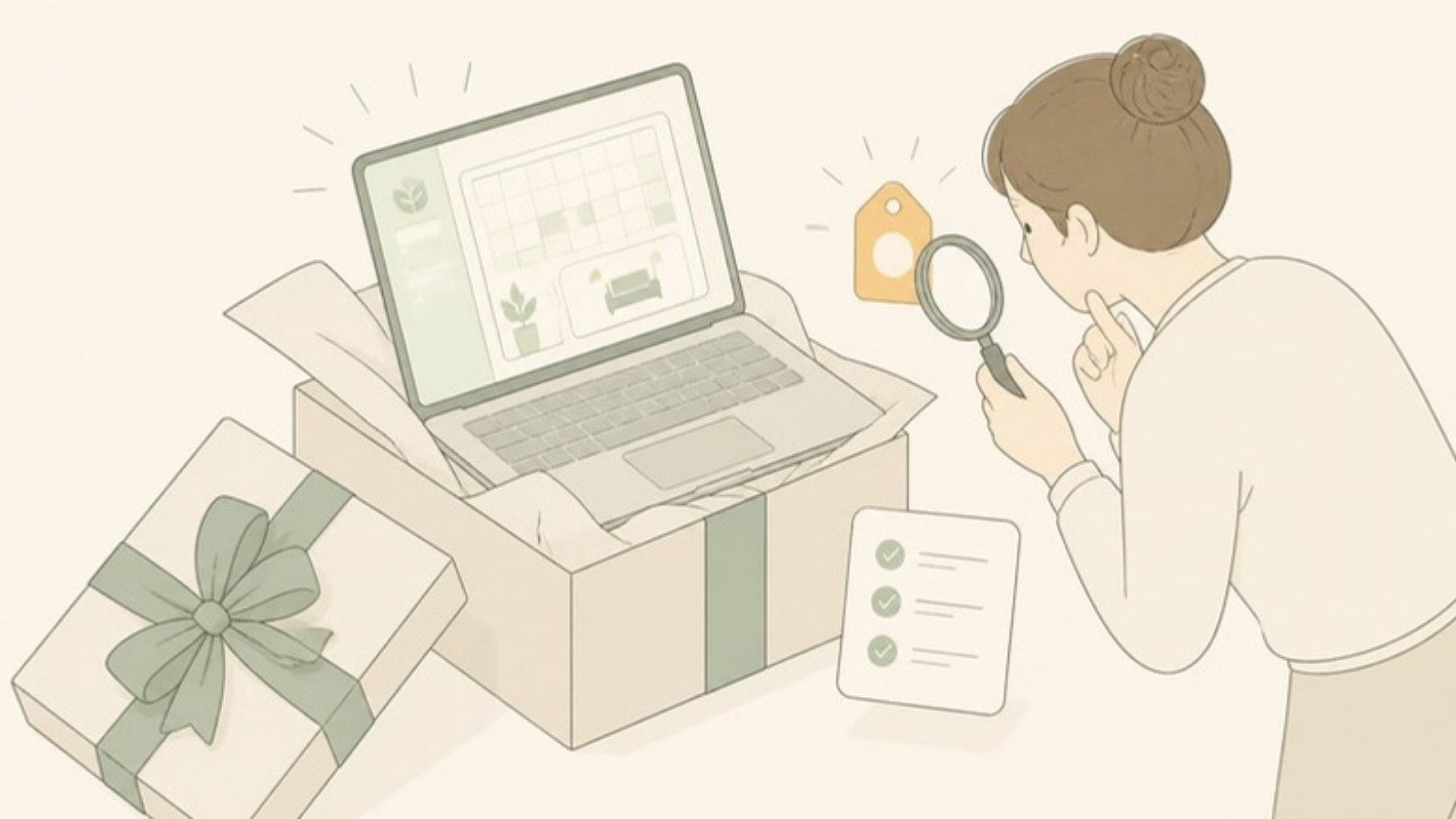
The checklist: questions to ask any "free" PMS
| Question | Why it matters |
|---|---|
| Is there a time limit? | Separates free software from free trials |
| Do I need a credit card to start? | A card upfront usually means automatic billing later |
| Are there room, booking or user limits? | Caps tend to bite during peak season |
| Are there per-booking fees? | "Free" plus a commission isn't free |
| Is payment tracking included? | Without it, you're back to a spreadsheet for deposits and balances |
| Can staff have their own accounts? | One shared login means no accountability |
| Can I export my data? | You should never be locked in |
| What will the paid upgrades cost if I need them? | Know the price before you depend on the system |
| Who runs it, and will it still be around next year? | Free software from a company with no business model can disappear |
| Is there support? | Even simple software raises questions |
That last pair is worth thinking about. "Free" only works long term if the company has a sustainable way to keep the product running. A free core funded by optional paid add-ons is one honest model. Ads, selling your data or a sudden switch to paid-only are the ones to avoid.
What a free PMS can realistically do for you
Free software, even good free software, isn't magic. Here's what a genuinely free PMS can and can't replace:
Can replace:
- The reservation notebook or spreadsheet
- The wall calendar of rooms and dates
- The "who still owes us" list
- Handwritten receipts
- Calling the owner to ask if a room is free
Usually won't include for free:
- Real-time sync with Booking.com, Agoda and Airbnb (a channel manager). Those connections cost money to build and maintain, so free tiers rarely include them.
- A full booking website with online payments
- Full accounting or tax filing
If you're on two or more OTAs and keep running into double-booking risk, budget for a channel manager at some point, whatever PMS you use. Our hotel management software buyer's guide covers what to look for.
How GoOverbooked does "free"
GoOverbooked falls into the fifth category. Here's exactly what that means.
Free, permanently, no trial, no credit card:
- Unlimited reservations
- Booking calendar and room management
- Guest management and reservation history
- Payment tracking
- Receipts and invoices
- Dashboard and reports
- Staff accounts
- Email notifications
Paid, optional, priced in pesos:
- Booking Website: ₱700/month
- Channel Manager (Booking.com, Agoda, Airbnb, Expedia): ₱2,000/month, with a 14-day free trial
- Both: ₱2,500/month
Full details are on the pricing page.
Why is the core free? The founder runs a 9-room guesthouse on Bantayan Island and remembers looking at monthly subscriptions in a slow month and thinking, "I can't justify this right now." The core app is free so that small owners can stop using notebooks without adding a bill. The paid add-ons are what keep the product running. The guesthouse itself runs on GoOverbooked, so it isn't going away. (Read the founder story.)
The honest limits: the free app doesn't sync your OTAs automatically. That's what the paid Channel Manager is for. If you're on several OTAs, you'll either update them by hand or add the channel manager when the manual work stops being worth it.
How to try it without any risk
- Open the demo. It's pre-filled with sample rooms and bookings. No signup, no email.
- Try your real routine: add a walk-in, record a GCash deposit, check next weekend's availability, print a receipt.
- If it fits, create a free account, add your rooms and start logging bookings. Most owners are set up in about 15 minutes.
- Run it alongside your notebook or spreadsheet for a week if that makes you more comfortable. Nothing expires.
If it doesn't fit how you work, you've lost 15 minutes and paid nothing. That's what free should mean.
Free to start
Run your hotel without the headaches.
Try the live demo in 30 seconds. No signup needed.