How to manage bookings from Facebook Messenger without losing your mind
Most small guesthouse bookings in the Philippines don't come from Booking.com. They come from a Facebook message. Here's how to stop Messenger from being the only place your bookings exist.
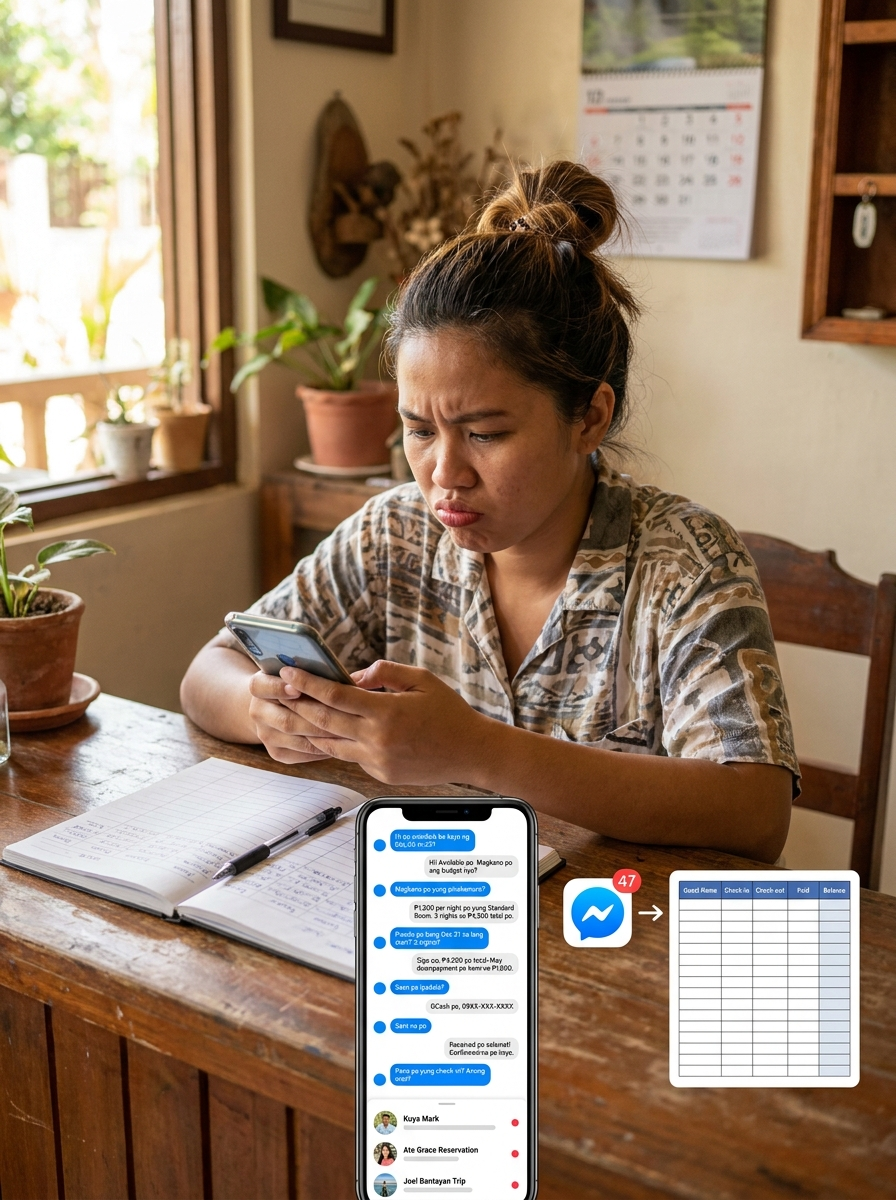
Most small guesthouse bookings in the Philippines don't come from Booking.com. They come from a Facebook message.
"Hi po, available ba kayo ng Dec 22 to 25? Magkano po?"
Then another message. Then another. And somewhere between 40 conversations, you lose track of who confirmed, who just inquired, and who you already gave a rate to three days ago.
The problem isn't Messenger. Guests will always message you there. The problem is that Messenger was never designed to be a reservations system. You need a booking tracker.
What actually helps:
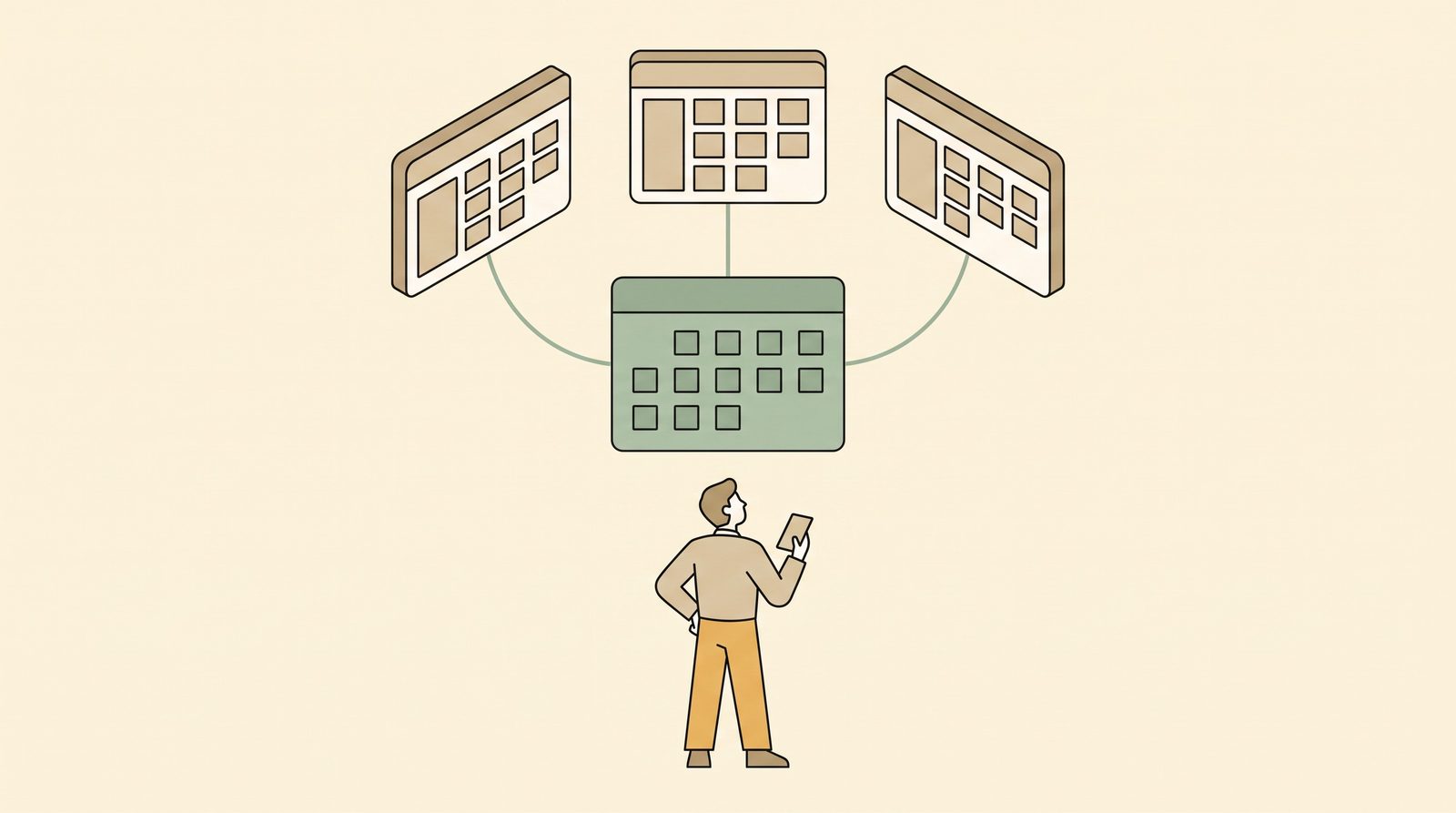
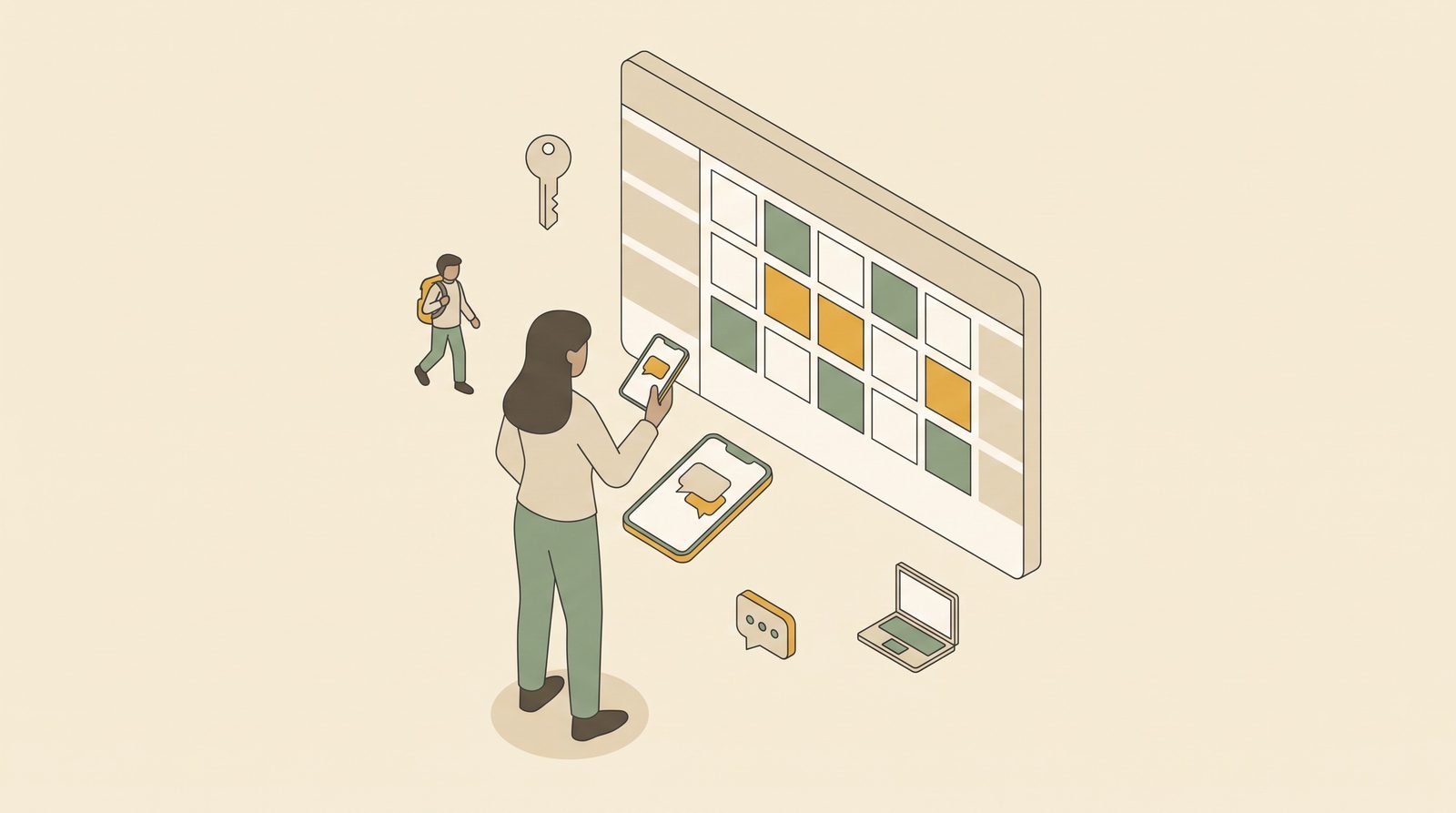
Move the confirmed details out of Messenger as fast as possible. The moment a guest confirms, log it somewhere central. Use a guesthouse booking app, a notebook, or any hotel management software built for small properties. Messenger is for conversation. Your booking record lives somewhere else.
If you're looking for a free hotel booking system in the Philippines, there are options built specifically for small properties. A libre booking system for your guesthouse doesn't have to be complicated. Even a free PMS for small hotels can handle the basics: who's checked in, who's paid, what rooms are available.
Create a simple confirmation habit. After every booking, send the guest one message with their dates, room, and total. This protects you both. If there's a dispute later, you have something to point to.
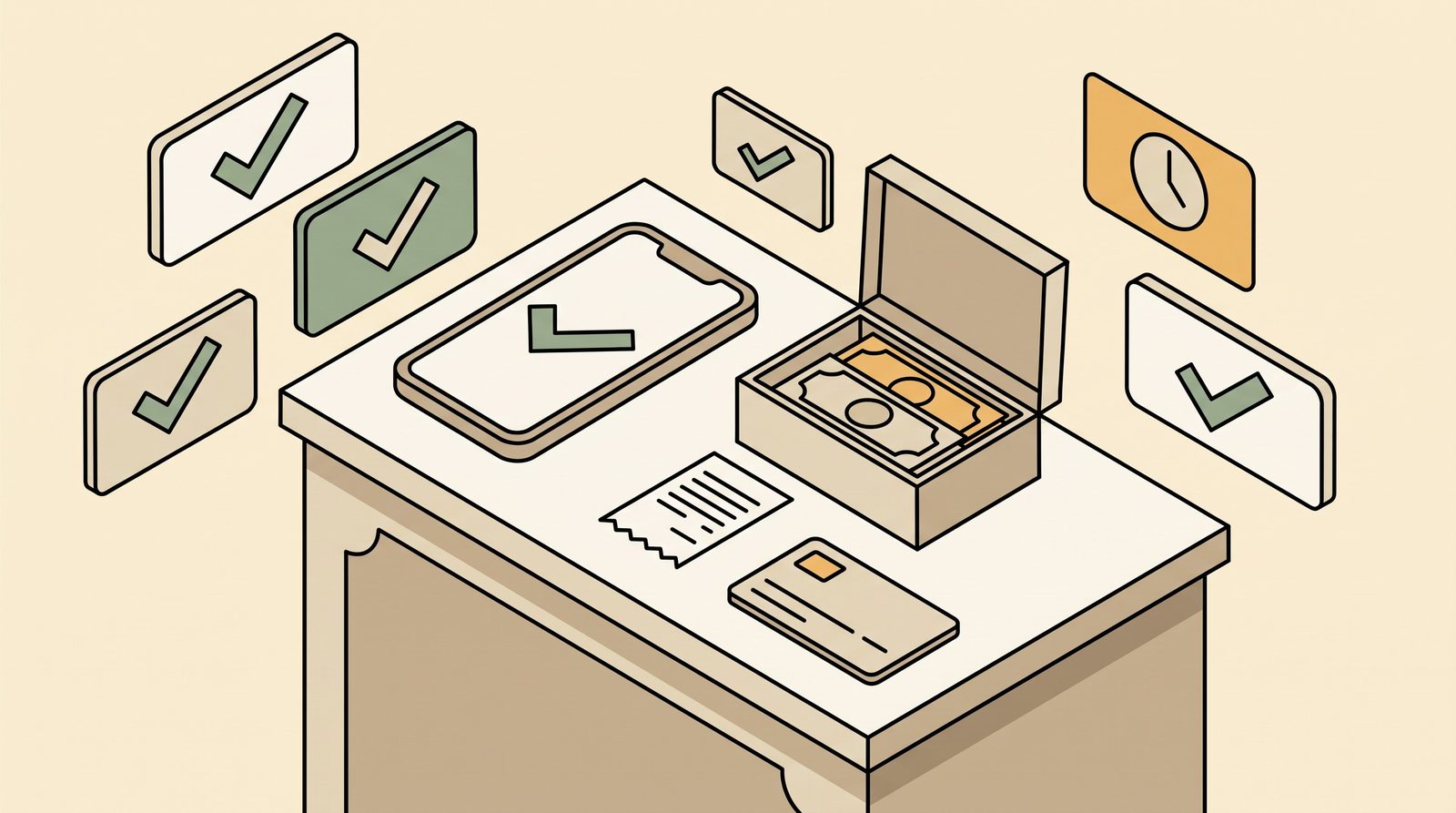
Stop trying to remember who paid. Log every downpayment the moment it arrives. Note the GCash reference number. Note the wallet it went to. Memory is not a system.
The goal isn't to stop using Messenger. It's to stop letting Messenger be the only place your bookings exist.
Free to start
Run your hotel without the headaches.
Try the live demo in 30 seconds. No signup needed.